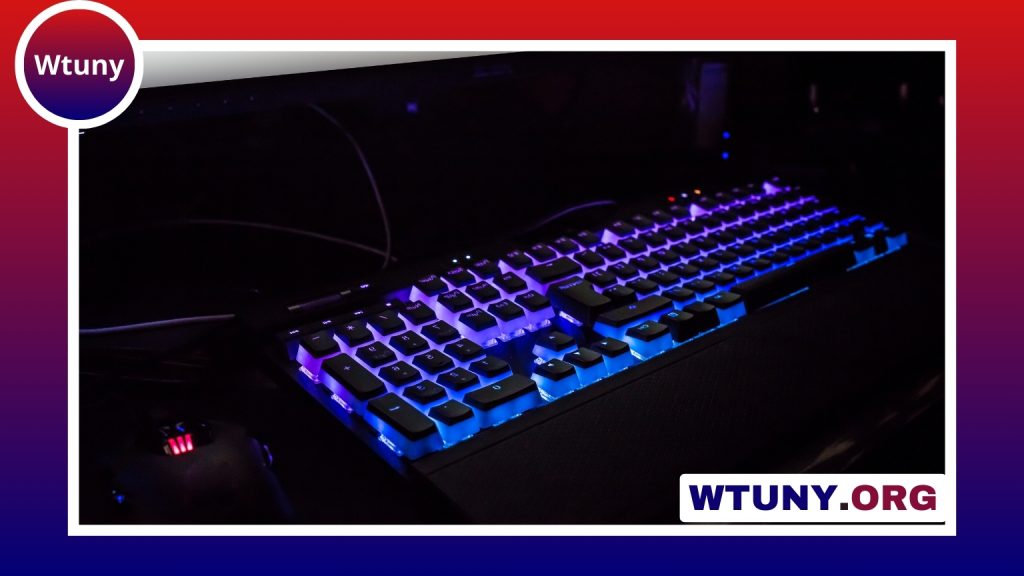
Circular keycaps offer a simple way to give a mechanical keyboard a completely different character. Their rounded, coin-like shape creates a retro appearance that can suggest a typewriter or vintage electronic device, while still allowing users to keep the original switches, case, and firmware. They are available as complete sets or as smaller accent kits, making them suitable for both subtle changes and highly themed custom builds.
What are circular keycaps?
Circular keycaps replace the familiar square or rectangular tops found on most keyboards with rounded surfaces. Depending on the design, the keys may be smooth and minimal, textured, translucent, or decorated with legends. Some sets use circular caps across the entire keyboard, while others are intended for a few prominent keys such as Escape, Enter, the arrow keys, or a group of frequently used shortcuts.
Their main appeal is visual, but the shape also changes the way the keyboard feels. A rounded top presents a different contact surface to the fingertip and can make the board feel more distinctive even when the switches underneath remain unchanged.
Materials and construction
Material has a noticeable effect on the appearance, texture, and long-term behavior of a keycap set. Two common choices are ABS and PBT plastic:
- ABS: Often has a smoother, glossier finish and can be used for detailed molding or translucent designs that allow backlighting to show through.
- PBT: Usually has a more textured surface and is valued for resisting the polished appearance that can develop through regular use.
Manufacturers may also vary the thickness, surface finish, and lettering method. Dye-sublimated legends, double-shot construction, and translucent sections each produce different results in terms of clarity, durability, and lighting performance. If a keyboard uses RGB lighting, check whether the specific keycaps are designed to let that light through; not every circular set is backlight-friendly.
How round keycaps change typing feel
Changing from conventional keycaps to circular ones can require an adjustment period. The curved surface may help guide the fingertip toward the middle of a key, and some users appreciate the reduced sense of catching or dragging across neighboring caps. Others may initially miss the edges and corners that help define the position of square keys during touch-typing.
Uniform circular sets can also feel different from keyboards with sculpted rows. A consistent shape across the board may create a clean visual appearance, but it can provide fewer physical cues for distinguishing one row from another. For that reason, many users begin with a small accent kit before replacing every key. This makes it easier to evaluate the feel and compatibility without committing to a complete rebuild.
Compatibility checklist
Compatibility should be checked before focusing on color or style. Many mechanical keyboards use Cherry MX-style stems, and a large number of keycap sets are made for that connection. However, low-profile boards, laptop-style switches, and keyboards with unusual mounting systems may require dedicated keycaps or adapters.
Layout is equally important. Keycap listings commonly identify sizes using units such as 1u, 1.25u, and 6.25u. These measurements matter for larger keys, including modifiers and spacebars. A set may fit the letter keys but still fail to cover a nonstandard bottom row or an unusually sized spacebar. Also check whether the kit includes the keys required by your layout rather than assuming that a full-looking product photo represents every configuration.
Ways to style a keyboard with circular keycaps
A complete set creates the strongest visual transformation, but partial replacement often produces a more balanced result. Consider using circular caps on:
- Escape, Enter, and the arrow keys as visual anchors
- WASD and nearby gaming controls for quick recognition
- Frequently used shortcuts on a creative or editing workstation
- A function row or modifier cluster to create contrast
Color contrast can make selected keys easier to find, while a restrained palette can preserve a minimalist appearance. Circular caps also pair well with themed cases, custom cables, sculpted spacebars, and other coordinated accessories.
Buying and maintenance advice
When comparing sets, start with stem type, key sizes, material, and the number of keys included. A partial kit is generally a practical way to test the design, while a full set is more convenient when replacing an entire layout. Also consider whether legends are necessary, especially if the board will be used by more than one person.
Routine cleaning is straightforward. Remove loose dust with a soft brush, and use a keycap puller when taking caps off the keyboard. For deeper cleaning, wash compatible keycaps in warm water with a small amount of gentle soap, then let them dry completely before reinstalling them. Avoid putting damp keycaps back on the board, since moisture can reach the switches or electronics.
Circular keycaps are therefore more than a decorative novelty. They change the keyboard’s visual identity, introduce a different fingertip experience, and offer flexible options for accents or complete layouts. With careful attention to compatibility and key sizing, they can be an effective upgrade for a custom build, gaming board, or everyday workstation.