A black keyboard with white keycaps combines a dark, understated frame with bright key surfaces that are easy to notice. The result works equally well on a professional desk, a gaming setup, or a custom mechanical keyboard. It is a useful choice when you want strong visual contrast without committing to a loud or highly decorative design.
Why the black-and-white combination works
The contrast between a black case and white keycaps gives the keyboard a clean, structured appearance. White key surfaces can make legends easier to distinguish in many lighting conditions, while the black frame helps define the overall shape of the board. This can be especially helpful for users who prefer a visually clear layout or who type in a workspace that is not brightly lit.
The colour pairing is also flexible. It can look minimalist with no additional accents, or it can provide a neutral base for coloured Escape, Enter, or modifier keys. White keycaps can also make keyboard lighting more visible, while the darker case keeps the overall design from appearing overly bright.
Keycap materials: ABS or PBT?
Material affects the surface texture, appearance, and expected wear of a keycap set. The two materials most commonly considered for this style are ABS and PBT.
- ABS: ABS keycaps usually have a smoother finish and are common on prebuilt keyboards. With regular use, the surface may become shiny, particularly on frequently pressed keys.
- PBT: PBT keycaps generally have a more textured feel and are better known for resisting surface shine. They are a popular option when maintaining the original appearance of white keycaps is a priority.
Material alone does not determine quality. Legend design, thickness, manufacturing consistency, and compatibility with the keyboard layout also matter. If durability and a less glossy texture are important, a PBT set is often the more suitable starting point.
Choosing a keycap profile
Keycap profile describes the shape and height of the rows. It changes how the keyboard feels under your fingers and can affect the sound of typing.
- OEM: A familiar, moderately tall profile often found on prebuilt keyboards.
- Cherry: A lower sculpted profile that many people choose for a comfortable everyday typing experience.
- SA: A taller, more pronounced profile that provides a distinctive vintage-inspired appearance and feel.
For long typing sessions, Cherry or OEM profiles may offer a balanced transition for users accustomed to standard keyboards. SA keycaps can be appealing when visual character and a more substantial key shape matter more than a low, understated design. The best choice depends on your existing keyboard and personal preference.
Check compatibility before buying
A black-and-white keycap set is only useful if it fits the keyboard. Start by identifying the board’s layout, such as full-size, tenkeyless, or compact 60 percent. Some sets include additional keys for multiple layouts, but this should not be assumed.
Also check the following details:
- Switch stems: Many modern mechanical keyboards use Cherry MX-style stems, but confirm the required stem shape before ordering.
- Key sizes: Spacebars, Shift keys, Enter keys, and other larger keys can vary between layouts.
- Stabilizers: Larger keys need compatible stabilizer spacing and mounting points.
- Profile arrangement: Sculpted sets may require each keycap to be placed on its intended row.
These checks are particularly important when upgrading a prebuilt keyboard or mixing keycaps from different sets.
Uses beyond appearance
The high-contrast design suits office work, writing, gaming, and content creation. In a work area, the restrained palette can complement a wide range of furniture and accessories. For gaming, the white keycaps can provide a clear visual layout and make RGB effects stand out. Streamers and creators may also prefer the neutral colours because they coordinate easily with different backgrounds and desk themes.
Some users with low vision may find a high-contrast arrangement easier to distinguish, although the actual benefit depends on the size, style, and colour of the legends as well as the surrounding lighting. If visibility is the main goal, inspect the printed or moulded legends rather than judging the keycap colours alone.
Ways to customise the design
A fully monochrome set is not the only option. Add a black Escape key for a subtle reversal, use coloured accents on frequently used keys, or keep the modifiers in a contrasting shade. These small changes can personalise the keyboard while preserving the strong black-and-white foundation.
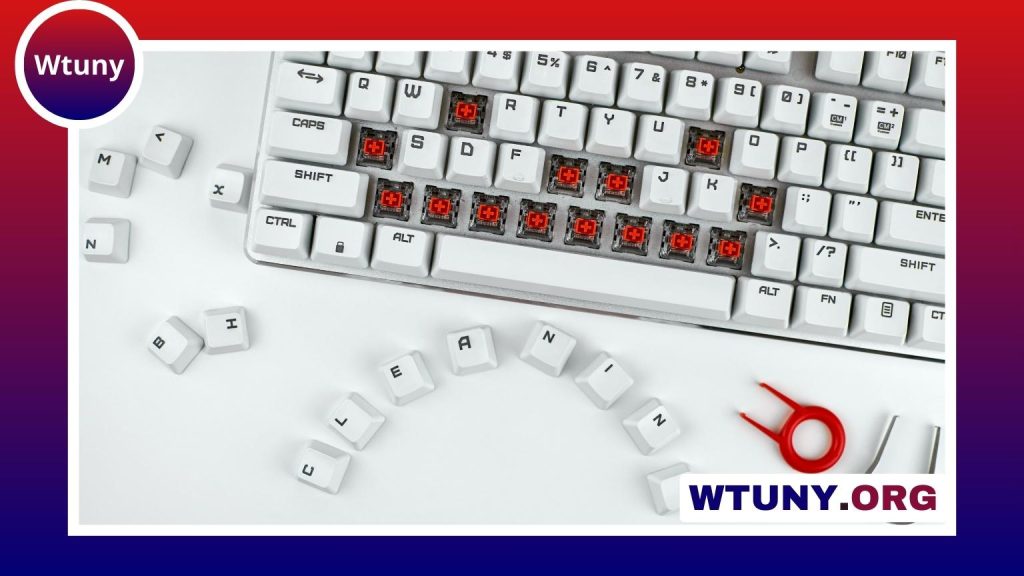
Before changing keycaps, disconnect the keyboard and remove each cap carefully with a keycap puller. Avoid forcing keys that use stabilizers, since larger keys require additional care during removal and replacement.
Cleaning and long-term care
Dust and debris can be removed with a soft brush or compressed air. For a deeper clean, remove the keycaps and wash them in warm, soapy water, then allow them to dry completely before reinstalling them. Avoid harsh chemicals that could affect legends or the finish.
White plastic can show dirt more readily than darker keycaps, so occasional cleaning helps preserve the contrast. Prolonged direct sunlight may also cause some white plastics to yellow over time. If a stock set becomes shiny or discoloured, replacing it with a higher-quality PBT set is a straightforward way to refresh the keyboard’s appearance.
Final considerations
A black keyboard with white keycaps offers a dependable balance of visibility, customisation, and restrained style. Choose the material and profile based on how you type, verify layout and stem compatibility before purchasing, and maintain the keycaps with gentle cleaning. Whether you are updating an existing board or planning a custom build, this colour combination provides a versatile foundation that can be adapted to many setups.