
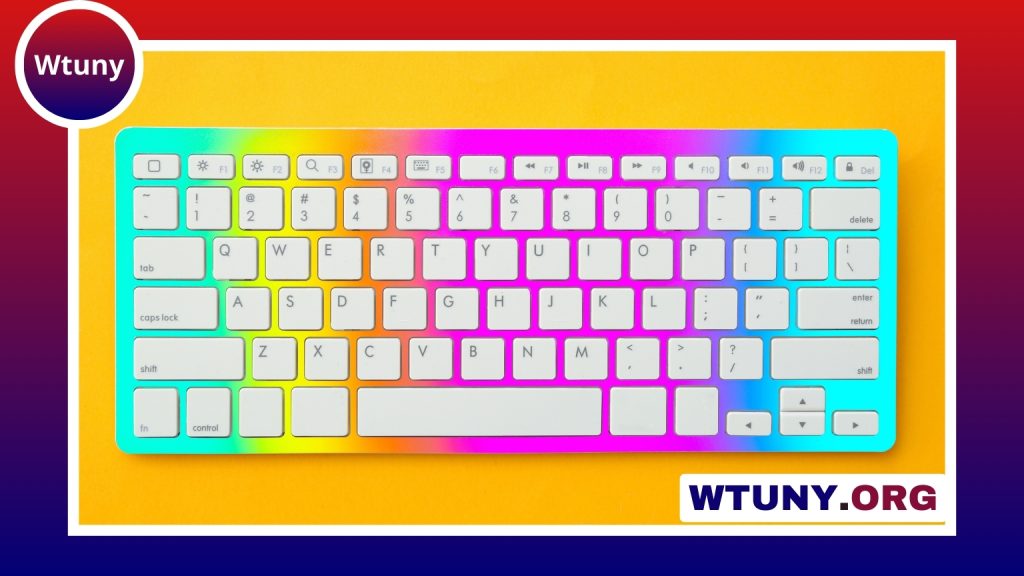
A 65% gaming keyboard offers a practical middle ground between a compact board and a full-featured desktop keyboard. It removes the number pad and dedicated function row to save space, while usually keeping the arrow keys and a small navigation cluster. The result is a keyboard that leaves more room for mouse movement without sacrificing as many familiar controls as smaller layouts.
What is a 65% gaming keyboard?
A typical 65% keyboard includes the main letter and number keys, modifiers, arrow keys, and several navigation keys such as Delete, Home, or End. The exact arrangement varies by model, so two keyboards with the same percentage label may not have identical key positions.
Function-row commands are generally accessed through an Fn layer rather than dedicated keys. This keeps the keyboard compact while allowing users to reach commands that would normally sit above the number row. Depending on the model, additional functions may include media controls, lighting adjustments, macros, or custom shortcuts.
Why this layout suits gaming
The biggest advantage is the extra desk space. Removing the number pad creates more room to move a mouse, which can be useful for players who use low sensitivity or broad aiming movements. The shorter width can also make a setup feel less crowded.
Unlike many smaller layouts, a 65% board retains dedicated arrow keys. That makes it more familiar for users who regularly navigate menus, edit documents, or play games that rely on directional input. It can also be an easier transition for someone moving down from a tenkeyless keyboard.
Gaming performance depends on the keyboard’s individual hardware rather than its size alone. Features such as mechanical switches, key rollover, programmable controls, and a wired or wireless connection should be considered alongside the layout.
Features to compare before buying
Switch type
Switches determine how each key feels and sounds:
- Linear switches: Smooth presses without a tactile bump, often preferred by users who want a consistent feel for rapid inputs.
- Tactile switches: Provide noticeable feedback during the keypress and can suit both gaming and general typing.
- Clicky switches: Add an audible click as well as tactile feedback, although the extra sound may not suit shared spaces.
Build and mounting components
A sturdy case can reduce flex and contribute to a more solid typing experience. Cases may use materials such as aluminum or polycarbonate, while the plate and internal dampening materials also influence sound and feel. Stabilizers are particularly important for larger keys such as Space, Enter, and Backspace; poorly tuned stabilizers can introduce unwanted rattle.
Hot-swappable switches
A hot-swappable PCB lets you replace compatible switches without soldering. This is useful if you want to experiment with different resistance levels, sounds, or typing characteristics. If you do not plan to modify the board, a fixed-switch model may still provide everything you need.
Connectivity and software
Wired keyboards provide a straightforward connection and avoid battery management. Wireless models can create a cleaner desk and may be more convenient for users who move the keyboard between devices. Check the available connection modes and software support before buying, especially if you want to create macros, remap keys, or manage multiple profiles.
Layout and key mapping considerations
The layout is one of the most important differences between 65% keyboards. Some models use a compact navigation column, while others place keys such as Delete, Home, and End in a tighter cluster. Look closely at the product layout rather than relying only on the percentage description.
Programmable layers can restore much of the functionality removed from the physical layout. You might place function-row commands on the number row, assign media controls to a secondary layer, or create shortcuts for applications and operating-system commands. Players can also assign macros or frequently used actions, provided those functions are supported by the keyboard’s firmware and allowed by the relevant game or service.
Gaming, work, and customization
A 65% board can work well for many types of users. Competitive players may value the additional mouse room, while MMO and strategy players may use layers or macros to supplement the available keys. Streamers and content creators can assign convenient shortcuts for frequently used commands. At work, the arrow keys and navigation cluster remain useful for editing, browsing, and document movement.
Many 65% keyboards are also popular with enthusiasts because they can be customized. Depending on the design, users may change keycaps, switches, stabilizers, or dampening materials. RGB or per-key lighting can provide visual feedback for profiles and layers, but lighting is best treated as an optional feature rather than a measure of performance.
How to adjust to a compact keyboard
Expect a short adjustment period if you are accustomed to a full-size or tenkeyless board. Begin by identifying the function-row commands and shortcuts you use most often, then assign them to an Fn layer or another accessible key combination. Keep the keyboard at a comfortable angle, and consider wrist support if you type or play for long sessions.
The best 65% gaming keyboard is not necessarily the one with the most features. Choose a layout you can understand at a glance, switches that match your preferred feel, and firmware that supports the remapping you actually need. With those priorities in place, a 65% keyboard can provide a tidy setup while preserving the controls most users reach for every day.






