
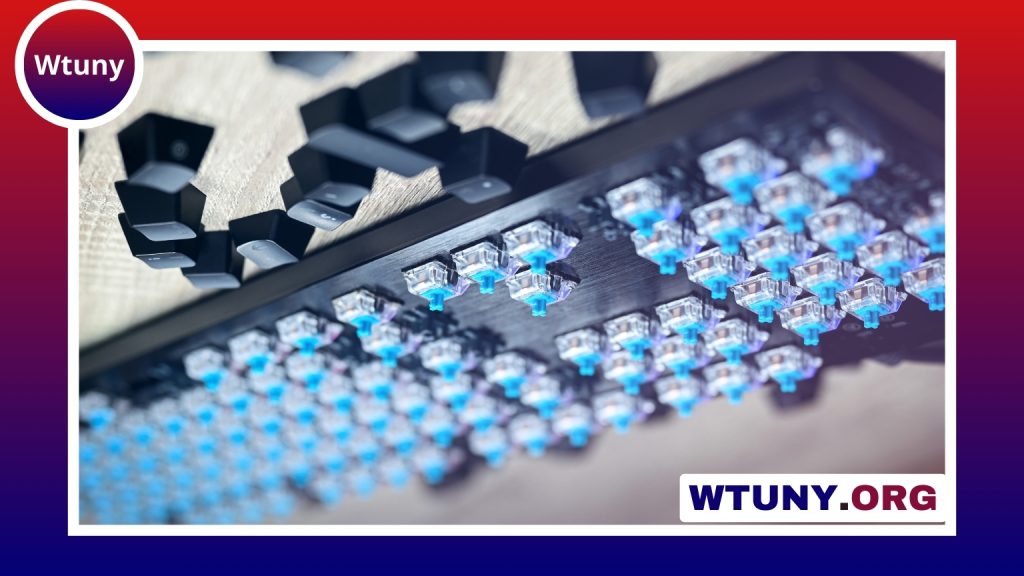
Wootility Web brings many of the configuration tools for Wooting keyboards directly into a web browser. Instead of installing a dedicated desktop utility, you can connect a compatible keyboard and adjust its behavior through the browser interface. This makes it easier to configure a keyboard across supported Windows, macOS, and Linux setups, provided the browser can communicate with the hardware. Wootility Web simplifies firmware updates and exposes keyboard configuration options for customizing keymaps and lighting.
The web-based tool is useful for everyday customization as well as more advanced adjustments. You can change actuation settings, remap keys, create macros, manage profiles, configure lighting, and perform supported firmware maintenance. The exact options available depend on the keyboard and the features supported by the software.
What Wootility Web does
Wootility Web is designed for Wooting keyboards with configurable and analog-capable inputs. It communicates with the keyboard through browser hardware APIs, allowing approved web pages to access the device after you grant permission. Once connected, settings can be adjusted without relying on a separate operating-system-specific installation.
This approach is particularly convenient when you use more than one computer or prefer not to install configuration software. A desktop Wootility application may still be preferable for workflows that require deeper native integration or additional recovery options, so the best choice depends on how you use your keyboard.
Key customization features
Adjustable actuation
Analog keyboard switches can detect more than a simple pressed or released state. Wootility Web lets you adjust how far a key must travel before an input registers, making it possible to create a setup that feels more responsive or more deliberate. Testing changes gradually is important, since an actuation point that is too sensitive may cause accidental inputs.
Analog behavior and curves
For keyboards and applications that support analog input, you can tune how key travel is translated into an input value. Settings such as dead zones and response curves can help shape the relationship between physical key movement and the resulting control. This can be useful for games or creative software where gradual input is more suitable than a simple on-or-off signal.
Remapping and macros
Keys can be reassigned to suit a particular application, game, or workflow. Macro functions can also reduce a repeated sequence of keystrokes or modifier combinations to a single key press. Use these features thoughtfully, especially in games or software where automated input sequences may be restricted. Desde Wootility Web, puedes personalizar la configuración RGB de tu teclado mecánico según tus preferencias.
Profiles and lighting
Profiles allow you to keep separate configurations for different activities. For example, one profile might use a streamlined productivity layout while another uses game-specific remaps and analog settings. Lighting controls can also be adjusted through the interface, giving you a way to match the keyboard’s appearance to each profile or preference.
Practical ways to use Wootility Web
- Gaming: Adjust actuation for fast inputs, create layouts for individual games, or use analog behavior for supported racing and flight controls.
- Creative work: Map frequently used editing commands and use gradual input where compatible music or design software can interpret it.
- Accessibility: Select actuation settings that suit your physical comfort and simplify multi-step actions with carefully planned remaps or macros.
- Productivity: Build profiles for office applications, development tools, or design software to keep common shortcuts close at hand.
These uses depend on the keyboard model, the selected configuration, and whether the application understands analog input. A profile can change the keyboard’s behavior, but it cannot add analog support to software that only accepts conventional key presses.
Browser access, permissions, and firmware updates
Wootility Web relies on browser support for hardware communication, including technologies such as WebHID. Modern Chromium-based browsers are generally the safest starting point for full functionality, while support in other browsers may differ. If the browser asks for permission to access the keyboard, approve it only when you are using a trusted configuration page.
Firmware updates require extra care because they modify the keyboard’s embedded software. Follow the supplied update instructions, use a reliable USB connection, and avoid disconnecting the keyboard or closing the browser during the process. Export or otherwise back up important profiles before making major changes. If an update fails or requires recovery tools, the desktop utility may offer a more suitable route.
Tips for a smoother configuration workflow
- Start with a small set of profiles, such as gaming, productivity, and accessibility.
- Change one analog setting at a time so you can identify which adjustment affects the feel.
- Save exported profiles where they can be accessed when moving between computers.
- Keep the browser updated and connect the keyboard directly through a dependable USB port where possible.
- Test remaps and macros in the intended application before relying on them in an important workflow.
Wootility Web makes advanced Wooting keyboard configuration more portable by moving the main setup experience into the browser. With adjustable actuation, analog tuning, remapping, macros, profiles, and lighting controls, it can support gaming, creative work, accessibility, and everyday productivity while avoiding a separate software installation.






