
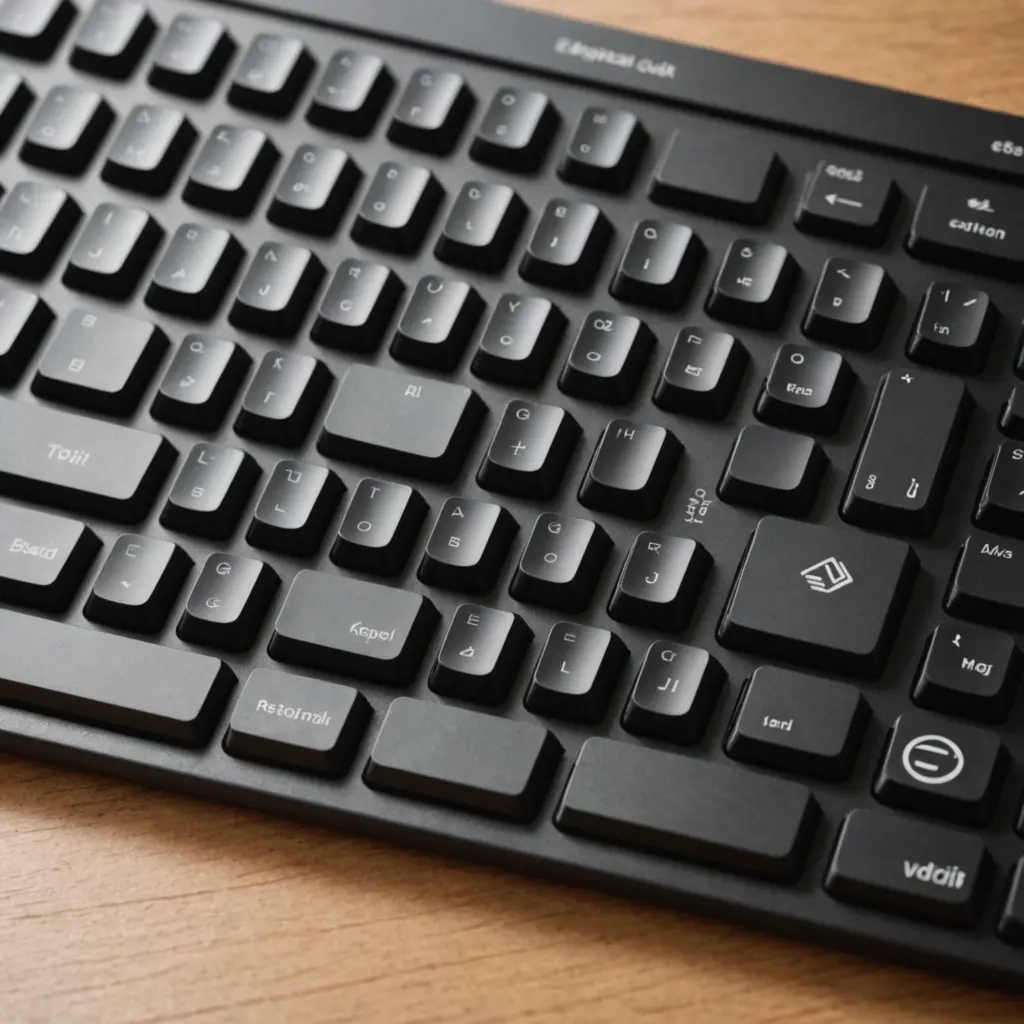
The Magic Keyboard with Keypad combines Apple’s low-profile typing experience with the full-size layout many desktop users need. Its dedicated numeric section is useful for spreadsheets, accounting, data entry, and other tasks that involve frequent number input. The expanded navigation keys also make it easier to move through long documents, code, and editing timelines. Review compatible Apple models to confirm the Magic Keyboard with Keypad fits your Mac's specifications.
Unlike a compact keyboard, this model is designed to provide a more complete desktop workstation without adding a separate numeric keypad. That makes it a practical choice for Mac users who value Apple’s minimalist design but do not want to sacrifice full-size functionality.
Design and typing experience
The keyboard follows Apple’s familiar design approach: clean lines, a slim profile, and an aluminum body that fits naturally with a Mac desktop or laptop setup. Despite including a numeric keypad, it remains relatively streamlined compared with many conventional full-size keyboards.
Its scissor-switch keys provide a stable, responsive feel with modest key travel. Users who prefer a flatter laptop-style keyboard may find the layout comfortable for writing, coding, office work, and extended data entry. The keyboard also includes dedicated controls for common macOS functions, including media playback, screen brightness, and Mission Control, so frequently used adjustments can be made without reaching for the mouse.
Why the numeric keypad matters
The defining feature is the dedicated numeric block on the right side. It can make a noticeable difference for anyone who enters numbers regularly, since values can be entered without relying on the number row above the letters.
The full layout is particularly useful for:
- Spreadsheet and accounting work
- Budgeting, invoicing, and other forms of data entry
- Financial or statistical applications
- Code editing and document navigation
- Creative software that uses keyboard shortcuts
Beyond the keypad itself, the keyboard includes a dedicated navigation cluster with full-size arrow keys and keys such as Home, End, Page Up, and Page Down. These controls can speed up movement through large documents and spreadsheets, especially when combined with familiar macOS keyboard shortcuts.
Wireless connection and charging
The Magic Keyboard with Keypad connects to a Mac over Bluetooth. Once paired, it can be used wirelessly with minimal setup, which helps keep a desktop uncluttered. The included Lightning to USB cable supports pairing and charging, while normal use can continue wirelessly after the keyboard has been set up.
Battery life is designed for extended use between charges, typically lasting weeks under normal conditions according to the supplied product information. Actual charging intervals depend on usage, so keeping the cable accessible is still sensible for a busy workstation. For compatibility details, compare the Magic Keyboard With Keypad against the A1644 keyboard model.
Compatibility and setup considerations
The keyboard is designed around macOS, including system keys that correspond naturally to Mac functions. Before buying, check the compatibility information for your particular Mac and keyboard version rather than assuming every model behaves identically.
It can also be paired with iPads and iPhones for general typing, although some function keys may work differently outside macOS. Windows and Linux computers can use the Bluetooth connection as well, but users may need to remap modifier keys or adjust settings to reproduce the expected layout.
Desk space is another important consideration. The numeric keypad and navigation cluster make the keyboard wider than Apple’s compact Magic Keyboard. Measure the available area if your setup includes a trackpad, drawing tablet, large mouse, or other desk accessories.
Apple keyboard or a third-party alternative?
Apple’s model is a straightforward choice for users who want a coordinated Mac setup, familiar macOS controls, and a slim design. Third-party keyboards may appeal to people who want features such as backlighting, a black finish, different key profiles, or more customization.
Those alternatives can vary considerably in typing feel, battery life, wireless reliability, and macOS integration. A black Mac keyboard may suit a darker desk setup or provide more visual contrast, but appearance should be considered alongside layout, comfort, and support. If you frequently use the keypad, confirm that the alternative includes the navigation keys and Mac-specific controls you rely on.
Who should choose the Magic Keyboard with Keypad?
This keyboard is best suited to Mac users who regularly work with numbers or want a complete desktop layout. Accountants, analysts, office workers, students, and anyone managing large spreadsheets are likely to benefit most from the dedicated keypad. Creative professionals may also use the additional keys for shortcuts in editing and design applications.
It is less compelling for users with limited desk space, those who rarely enter numbers, or anyone who prefers a highly portable keyboard. In those cases, the compact Magic Keyboard may be easier to position and carry.
Final considerations
The Magic Keyboard with Keypad is a focused productivity accessory rather than a one-size-fits-all keyboard. Its strengths are the full-size layout, responsive low-profile keys, dedicated navigation controls, and natural fit with macOS. Before choosing it, consider how often you use numeric entry, how much room your desk provides, and whether wireless Mac integration matters more to you than features found on third-party models.






