
Choosing between Apple’s Magic Keyboard and a Logitech keyboard is less about picking a universal winner and more about matching the keyboard to your devices, typing preferences, and daily workflow. The Magic Keyboard offers a consistent, minimalist experience for Apple users, while Logitech’s broader range includes compact wireless models, ergonomic keyboards, and mechanical options with extensive customization. Check our Magic vs Logitech review roundup for an in depth keyboard comparison across features and performance.
At a glance
- Choose the Magic Keyboard if you value a slim design, a Mac-focused layout, quiet low-profile keys, and a simple setup.
- Choose Logitech if you need wider device compatibility, multi-device switching, ergonomic choices, mechanical switches, or software customization.
- Compare specific models carefully: “Logitech keyboard” can describe products with very different switches, layouts, battery systems, and features.
Design and build quality
The Magic Keyboard follows Apple’s understated design language. Its slim profile, low-profile keycaps, and restrained appearance work particularly well with a Mac, iPad, or minimalist desktop. Some versions use an aluminum enclosure, adding to the premium feel, while the compact shape also makes the keyboard relatively easy to move between workspaces.
Logitech takes a broader approach. Its keyboards range from thin Bluetooth models to larger ergonomic designs and mechanical keyboards with more substantial cases. Depending on the model, you may find sculpted keycaps, textured plastic, a split layout, or a dedicated wrist support. This variety is useful when comfort or a particular desk arrangement matters more than visual consistency.
Typing feel and ergonomics
The Magic Keyboard uses low-travel scissor-style keys. The keys are stable and quiet, with a crisp, shallow press that will feel familiar to people who regularly use a MacBook. This design suits office work, writing, and general productivity, especially for users who prefer a compact keyboard that does not require much force or finger movement.
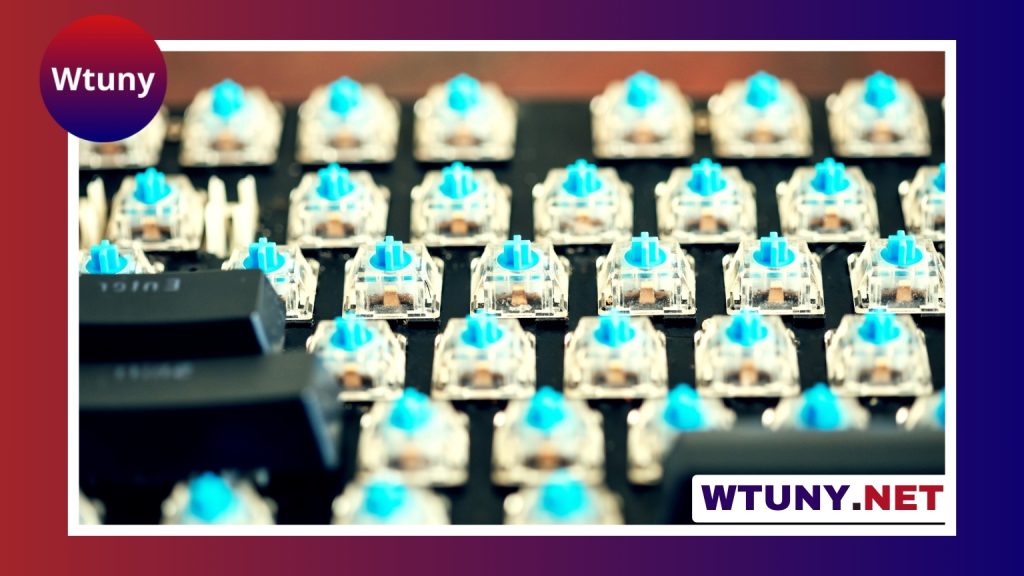
Logitech’s typing experience depends heavily on the model. Low-profile Logitech keyboards can provide a similar short-travel feel, while mechanical models offer more key travel and a wider choice of switch characteristics. Some are designed to be quiet; others provide stronger tactile feedback or an audible click. For long typing sessions, the best choice comes down to whether you prefer a flat laptop-like action or a deeper, more pronounced keystroke.
Ergonomics is another area where Logitech may offer more choice. Split layouts, curved designs, and integrated wrist supports can be helpful for people who find a traditional flat keyboard uncomfortable. The Magic Keyboard keeps its design simple and compact rather than offering many ergonomic configurations.
Connectivity and device compatibility
The Magic Keyboard is designed primarily for Apple hardware. It works naturally with macOS and can also be used with compatible Apple devices through Bluetooth. Its Mac-specific key layout and familiar function controls make it a straightforward choice for an Apple-focused desk.
Logitech often has an advantage for mixed-device setups. Depending on the model, a keyboard may connect through Bluetooth, a wireless receiver, or both. Many Logitech keyboards also support switching between multiple paired devices, which is useful when moving between a Mac, Windows computer, tablet, or phone.
Before buying either option, check the exact connection method and operating-system support. A keyboard that is ideal for a single Mac may be less convenient if you regularly change computers or need a Windows-oriented layout. When comparing Magic Keyboard and Logitech options, consult the switch comparison chart to understand their typing characteristics.
Battery life and charging
Battery performance varies by model and usage. Magic Keyboard versions with built-in rechargeable batteries are intended for extended use between charges. Logitech offers both rechargeable keyboards and models powered by replaceable batteries, so battery life can range considerably across its lineup.
If you want the convenience of charging from a cable and avoiding disposable batteries, compare rechargeable models directly. If replacing batteries occasionally is preferable, Logitech provides more options in that category. Backlighting can also affect endurance, particularly on models with adjustable lighting.
Features and customization
The Magic Keyboard focuses on a clean, uncomplicated feature set. Depending on the version, it may include Mac function keys, media controls, and Touch ID for compatible Mac configurations. It is not generally aimed at users who want extensive remapping, macros, or lighting effects.
Logitech keyboards can offer considerably more control. Certain models include programmable keys, dedicated media controls, backlighting, multi-device buttons, and software-based customization. Those features may appeal to gamers, content creators, and anyone who wants shortcuts tailored to specific applications. They can also add complexity, so a simpler keyboard may be preferable if you want to connect and start typing without adjusting software settings.
Price and overall value
The Magic Keyboard sits in the premium portion of the keyboard market. Its value is strongest for users who appreciate Apple’s design, want a compact Mac-friendly layout, and do not need extensive customization.
Logitech covers a wider range of prices and feature levels. A basic wireless keyboard may be more economical, while a mechanical or ergonomic model can cost as much as—or more than—the Magic Keyboard. The broader selection makes it easier to pay for the features you actually need rather than for a particular brand or design.
Which one should you choose?
Select the Magic Keyboard for a polished Apple-centered setup, quiet low-profile typing, and a minimal design. Select a Logitech keyboard if you need multi-device connectivity, Windows compatibility, ergonomic choices, mechanical switches, or advanced customization.
The most important step is to compare the exact Logitech model with the exact Magic Keyboard version you are considering. Switch type, layout, backlighting, charging, and device support can make a bigger difference than the brand name alone.






