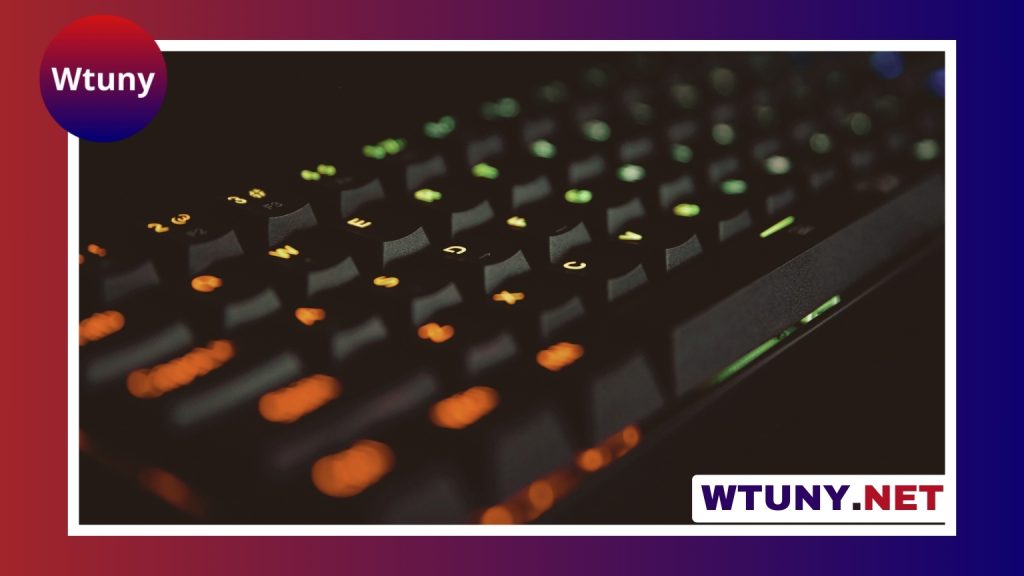
The K70 RGB is a mainstream mechanical keyboard designed to combine a sturdy desk presence, customizable per-key lighting, and a choice of mechanical switch feels. It can suit gaming, everyday typing, streaming, and productivity, but the exact features vary between versions. Switch type, keycap material, software support, wrist-rest design, and onboard storage may differ by configuration, so check the specifications for the particular model before buying.
Build and layout
A major attraction of the K70 RGB family is its substantial construction. Many versions use an aluminum top plate, which helps the keyboard feel stable while typing and gives it a more premium appearance than a basic plastic-board design. The low-profile layout keeps the keys easy to reach, while dedicated media controls and a volume roller on supported models make common audio adjustments more convenient.
Several editions include a detachable wrist rest. This can be useful during long gaming or typing sessions because it supports the hands instead of leaving the wrists suspended at the front edge of the desk. The included rest and its attachment method can vary, so it is worth confirming what comes in the box.
Choosing the right mechanical switches
The switch determines much of the keyboard’s personality. K70 RGB versions have been sold with different mechanical switch options, generally falling into three categories:
- Linear switches: Smooth from the initial press to the bottom, with no tactile bump. They are often preferred by gamers who want consistent, uninterrupted key travel.
- Tactile switches: Provide a noticeable bump during actuation. This feedback can make typing feel more deliberate without the pronounced sound of a clicky switch.
- Clicky switches: Add an audible click alongside the tactile response. They can be enjoyable for users who like strong feedback, but the noise may be unsuitable for shared offices or quiet rooms.
There is no universally best switch. If possible, test the switch type before purchasing, or choose a retailer with a suitable return policy. Also remember that the same keyboard model can feel very different depending on the installed switch.
RGB lighting and customization
Per-key RGB illumination is the defining visual feature of the K70 RGB. Lighting can be used for simple static colors or more elaborate effects such as waves and reactive key presses. The manufacturer’s companion software typically provides the broadest control, allowing users to create lighting profiles, configure macros, and coordinate settings with other compatible devices.
Software support is particularly useful if you want different layouts for gaming, writing, or creative applications. A profile might highlight frequently used keys, assign shortcuts, or provide a different lighting scheme for each activity. Some editions also offer onboard profile storage, allowing selected settings to remain available when the keyboard is used with another computer. The available functions depend on the specific version and operating system.
How it performs in everyday use
For gaming, the mechanical switches offer a consistent response, while features such as anti-ghosting and n-key rollover are intended to help register multiple simultaneous key presses accurately. These features are useful in games that require combinations of movement, abilities, and shortcuts, although a player’s switch preference and typing technique still have a major effect on the experience.
The keyboard can also work well for general productivity. Dedicated media controls reduce the need to open another application to adjust volume, and programmable functions can simplify repetitive shortcuts where supported. Streamers and content creators may appreciate profiles and macros for frequently repeated actions, but the configuration process may require companion software and some initial setup.
Setup and compatibility
Basic setup is usually straightforward: connect the keyboard by USB and begin typing. Installing the companion software unlocks additional lighting, profile, and macro controls. Basic keyboard input can generally be used without extensive configuration, while advanced features may depend on the operating system and the exact model.
Windows users should check the software requirements for their particular K70 RGB version. macOS users may be able to use the keyboard for normal typing and gaming, but some customization functions may be limited. Confirm compatibility before purchase if macros, saved profiles, or synchronized lighting are essential to your setup.
Cleaning and maintenance
Regular cleaning helps preserve both the appearance and key feel of the keyboard. Disconnect it before cleaning, then use a soft, dry cloth for the surface and carefully remove dust from between the keycaps. Keycaps that are designed to be removed can be taken off for a more thorough cleaning, but avoid spilling liquid into the switches or housing.
Before replacing keycaps or attempting switch modifications, verify how the changes affect the warranty. Not every K70 RGB edition is intended to be modified in the same way.
Is the K70 RGB a good fit?
The K70 RGB makes the most sense for buyers who want a full-size mechanical keyboard with a solid build, dedicated media controls, configurable RGB lighting, and a choice of switch feels. It is less compelling if you need a compact layout, minimal software, a very quiet keyboard, or the lowest possible price.
Compare the exact version rather than relying only on the K70 RGB name. Check the installed switches, keycap material, wrist-rest inclusion, software features, connectivity, and warranty terms. With those details confirmed, the K70 RGB can be a versatile choice for a gaming desk, home office, or mixed-use workstation.