
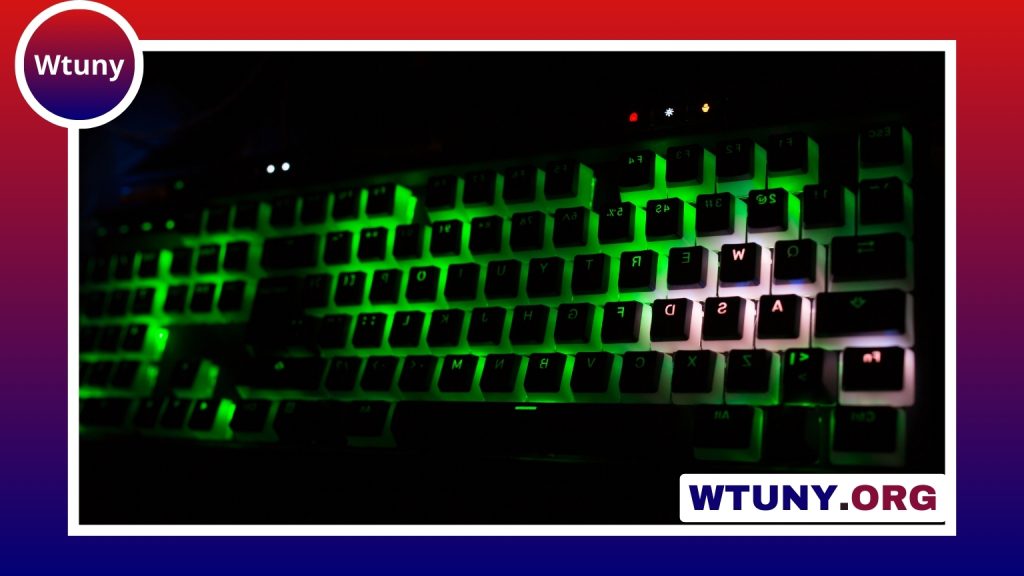
The Filco Majestouch 2 is designed for people who want a dependable mechanical keyboard without decorative extras. Its appeal comes from a sturdy construction, familiar layouts, wired USB connectivity, and a selection of classic Cherry MX switches. Rather than focusing on lighting, software features, or an unusual appearance, the Majestouch 2 concentrates on the fundamentals: consistent key presses, a stable desk presence, and a traditional typing experience. See how Filco Majestouch models compare across different keyboard brands and models in our pillar overview.
Design and construction
The Majestouch 2 has a restrained, practical appearance that suits both home and professional workspaces. Its steel-reinforced construction gives the keyboard a substantial feel and helps keep it stable while typing. The design also avoids excessive branding and visual distractions, making it a natural fit for users who prefer functional equipment.
Its conventional construction is one of the reasons the keyboard is often considered a long-term daily driver. The case and keycaps are built around a familiar mechanical-keyboard format, and the board does not depend on an elaborate software ecosystem to provide its basic functionality.
Switch choices and typing feel
Depending on the version, region, or retailer, the Filco Majestouch 2 may be available with several Cherry MX switch types, including Red, Brown, Blue, and Black. Choosing the right switch is important because it has a greater effect on the keyboard’s character than the exterior design.
- Cherry MX Brown: A tactile option that provides noticeable feedback without the pronounced click associated with clicky switches.
- Cherry MX Red: A linear switch with a smooth, consistent press that can suit users who prefer a lighter, uninterrupted keystroke.
- Cherry MX Blue: A clicky, tactile option for users who enjoy a more pronounced sound and physical response.
- Cherry MX Black: A heavier linear option for those who prefer more resistance while pressing the keys.
The keyboard’s firm plate and stable larger keys contribute to a consistent feel across the layout. Writers and programmers may value the clear mechanical feedback during long sessions, while gamers may prefer the direct response of a linear switch. Personal preference, typing technique, and tolerance for noise should guide the decision.
Noise and desk stability
A mechanical keyboard will generally be more audible than a membrane model, and the Majestouch 2’s sound varies substantially with the selected switch and keycaps. Clicky switches produce deliberate audible feedback, while linear switches avoid that click but still generate sound when keys bottom out or return.
The keyboard’s substantial case helps it stay planted during use. Larger keys such as the space bar and Enter key are supported by stabilizers, which help prevent excessive movement. Users who want to adjust the sound or feel can consider basic enthusiast modifications, such as stabilizer lubrication or case dampening, where appropriate for their particular version.
Layouts and connectivity
The Majestouch 2 is offered in full-size and tenkeyless formats. The full-size version includes a numeric keypad for spreadsheet work and other number-heavy tasks, while the tenkeyless layout removes the keypad to save desk space and leave more room for the mouse. Pair the Filco Majestouch 2 with a Logitech audio setup for a more immersive desktop experience.
Connectivity is centered on a wired USB connection. That means there is no need to manage batteries or wireless pairing, and the keyboard maintains a straightforward connection for everyday work and gaming. Its standard key spacing also makes it relatively easy to find compatible replacement keycaps and accessories.
How it performs in everyday use
For writing and editing, the tactile or linear switch options allow users to choose a feel that matches their typing style. Developers can benefit from the predictable layout, dedicated function keys, and—on the full-size model—a numeric keypad. In gaming, the mechanical switches and wired connection provide the direct input many players expect.
The Majestouch 2 is less focused on gaming-specific extras. It does not center its design around built-in lighting, macro controls, or extensive configuration software. That simplicity can be an advantage in an office or shared workspace, but buyers seeking extensive customization may find newer alternatives more appealing.
Maintenance and customization
The keyboard supports practical forms of upkeep and personalization. Keycaps can be removed and replaced, allowing users to change their appearance or experiment with different materials and profiles. Regular cleaning helps remove dust and debris, while enthusiasts may choose to lubricate stabilizers or add internal dampening to refine the sound.
Before planning more advanced work, check the exact Majestouch 2 variant. Features such as switch replacement can differ between models, so the board should not automatically be treated as equivalent to a modern hot-swappable keyboard.
Who should consider the Filco Majestouch 2?
The Filco Majestouch 2 is a strong choice for buyers who value durable construction, classic mechanical switches, a conventional layout, and reliable wired operation. It is particularly well suited to typing, programming, office work, and gaming where lighting and software features are not essential.
It may be a poorer fit for anyone specifically seeking wireless connectivity, programmable macros, RGB lighting, or hot-swappable switches. In short, the Majestouch 2 takes a conservative approach: it offers a solid mechanical typing platform and leaves optional personalization to the user. For those priorities, that focus can be more valuable than a longer list of modern features.






