
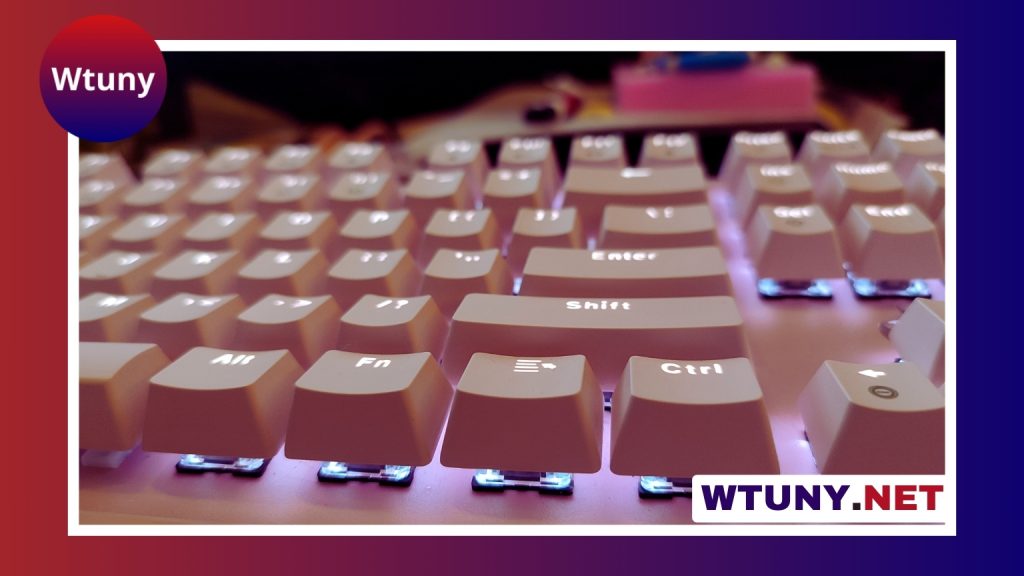
Blackweb keyboards cover several everyday needs, from basic home and office typing to gaming and more flexible wireless setups. Since features vary between individual models, the best choice depends less on the brand name and more on how, where, and how often you plan to use the keyboard.
Choose a keyboard based on how you use it
Begin with your typical activities. A keyboard for writing emails and working on documents does not need the same features as one used for gaming or frequent travel.
- Home and office work: Look for comfortable key spacing, a pleasant typing feel, quiet operation, and convenient media or shortcut controls.
- Gaming: Prioritize responsive keys, dependable simultaneous input, anti-ghosting, and a connection that suits your setup.
- Multiple devices: Bluetooth may be useful if you switch between a computer, tablet, or phone, provided the specific keyboard supports the devices you use.
- Flexible or portable setups: Wireless operation can reduce cable clutter and make it easier to reposition the keyboard.
Understand the key mechanism
The key design has a major effect on sound, resistance, travel, and overall typing feel. Membrane keyboards generally have a softer, quieter press and are often a sensible choice for shared workspaces or general computing.
Some Blackweb keyboards are described as hybrid or mechanical-style. These designs may provide a sharper response or more noticeable feedback than a conventional membrane keyboard. However, “mechanical-style” does not automatically mean that a keyboard uses the same construction as a full mechanical model. Check the exact product description if the mechanism is important to you.
Consider how much key noise you can tolerate and whether you prefer a light, soft press or a more defined response. Specifications can explain the technology, but they cannot completely reproduce the feel of typing on the keyboard.
Compare wired and wireless connections
A wired USB keyboard is straightforward to install and does not require battery management. It works well for a fixed desktop and can be a practical choice when you want a direct, uncomplicated connection.
Wireless keyboards provide a cleaner workspace and more freedom to change your seating position. A 2.4 GHz wireless model normally uses a USB receiver, while a Bluetooth keyboard pairs directly with compatible devices. Bluetooth can be especially convenient for laptops and mobile devices, although pairing options and multi-device support differ by model.
Before buying, confirm the connection type, whether a receiver is included, the power requirements, and compatibility with your operating system. Basic typing may work across several platforms, but lighting controls, special function keys, remapping, and configuration software may have more limited support.
Features worth comparing
Extra features can improve convenience, but they are only valuable when they match your routine. Depending on the model, a Blackweb keyboard may include:
- Backlighting or RGB lighting: Makes keys easier to see in dim conditions and may offer visual customization.
- Anti-ghosting: Helps the keyboard register certain combinations when several keys are pressed together.
- Media controls: Provide quicker access to volume, playback, or other common commands.
- Macro keys: Can assign repeated commands or shortcuts in compatible games and applications.
- Companion software: May support remapping, lighting adjustments, or saved profiles, though software support is not available on every model.
A large feature list does not necessarily indicate a better keyboard. For office work, quiet keys and dependable shortcuts may matter more than elaborate lighting. For gaming, input handling and responsive controls may be higher priorities.
Consider construction and long-term comfort
Budget-oriented keyboards commonly use plastic housings, but the amount of reinforcement and surface finishing can differ considerably. A firm frame can reduce flex during use, while well-made keycaps and stabilised larger keys can contribute to a more comfortable experience.
Advertised switch or key lifespan ratings can be useful for comparison, but they do not guarantee the life of the entire product. Cables, batteries, keycaps, stabilisers, and everyday handling also affect durability. If you type or play for long sessions, pay attention to the keyboard’s overall construction rather than focusing only on its switch description.
How to make the final choice
For general computing, a quiet membrane keyboard with comfortable spacing may provide everything you need. Choose wireless connectivity when desk flexibility or device pairing is important. For casual gaming, look for responsive keys and anti-ghosting. If customization matters, check specifically for lighting controls, macro support, and compatible software.
Before making a purchase, compare the exact model’s specifications, included accessories, warranty terms, and return policy. A slightly more substantial keyboard may be worthwhile for frequent use, while a simpler model may offer better value if reliable typing is your only requirement. Matching the keyboard to your actual habits is the most useful way to choose among Blackweb models.






