
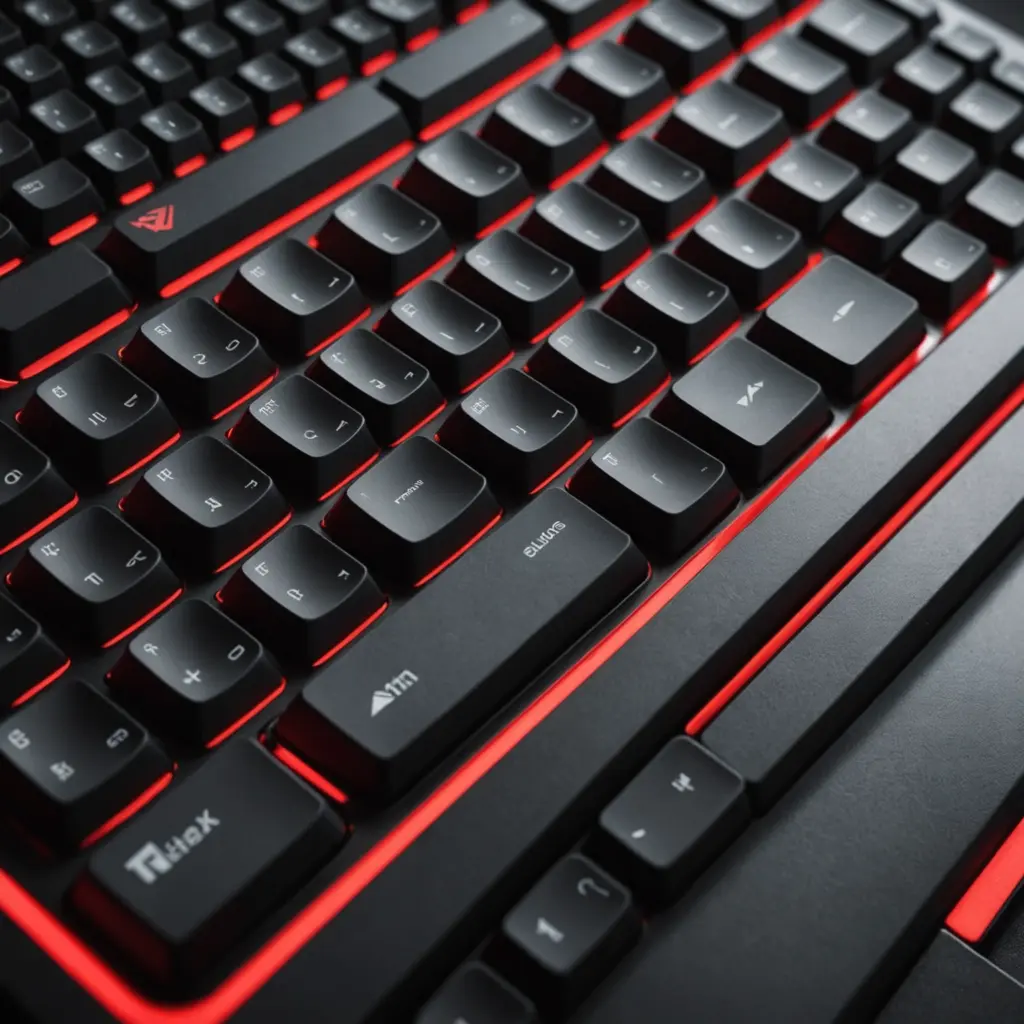
A black and red gaming keyboard can be the visual centre of a gaming desk, but its appearance is only one part of the buying decision. The keyboard’s size, layout, switches, lighting, and software features all affect how comfortable and useful it will be during long sessions. Choosing the right keyboard layout options can affect ergonomics and key placement on a black and red gaming keyboard.
Whether you mainly play competitive shooters, strategy games, MMOs, or a mixture of games and everyday computer tasks, the best choice is the model that fits your available desk space and gives you convenient access to the keys you use most.
Why choose a black and red gaming keyboard?
The combination of a dark chassis and red accents creates a distinctive, coordinated appearance without requiring an elaborate desk theme. Red backlighting can also make key legends easier to see in a dim room, while a black surface tends to produce less visual glare than a lighter finish.
Some keyboards use fixed red illumination, while others provide adjustable RGB lighting with a red-only setting. If matching your keyboard to the rest of your setup matters, check whether the lighting can be customised through dedicated controls or companion software.
Start with the keyboard layout
Layout determines which keys are present and how much space the keyboard occupies. Common options include:
- Full-size: Includes the number pad, function row, navigation keys, and the standard main key area. It is a practical choice if you regularly use numeric entry, spreadsheets, or macros assigned to the number-pad area.
- Tenkeyless: Removes the number pad while retaining the function row and navigation cluster. The narrower design leaves more room for a mouse and can suit players who use broad mouse movements.
- 75 percent: Keeps many important keys in a more compact arrangement. It provides a smaller footprint while retaining a function row and, depending on the design, navigation keys.
- 65 percent: Usually removes the function row but retains arrow keys and selected navigation controls. It can offer a useful balance between compactness and convenience.
- 60 percent: Omits the number pad, function row, arrow keys, and most dedicated navigation keys. These functions are often accessed through key combinations or remapped controls.
Layout labels are not perfectly standardised, so examine the product photographs and key map before buying. A compact keyboard may save considerable desk space, but it can require more use of shortcuts or software remapping.
Match the size to your games and workspace
A wider keyboard places the mouse farther from the centre of your body. This can be inconvenient for players who use low mouse sensitivity and need plenty of room for sweeping movements, making a tenkeyless or compact model appealing for many FPS setups.
On the other hand, the number pad and dedicated keys remain useful for productivity, numeric work, and games that benefit from many accessible commands. MMO and strategy players may prefer a full-size board or a model with additional programmable keys, while players who want maximum mouse space may favour a smaller layout.
Consider your whole routine rather than choosing solely for one game. If the keyboard will also be used for writing, editing, or office work, removing frequently used keys may create unnecessary inconvenience. While comparing black and red gaming keyboards, consider how Snap Tap keyboards improve rapid directional inputs.
Important features beyond appearance
Switch type
Mechanical switches are available in several styles. Linear switches have a smooth key press, tactile switches provide a noticeable bump, and clicky switches add an audible click. Personal preference, typing habits, and tolerance for noise all matter, so trying switch samples before purchase can be helpful when possible.
Keycaps and construction
Look for a solid chassis and keycaps suited to regular use. PBT keycaps are often selected for their resistance to developing a polished or shiny surface from frequent contact. A detachable cable can also make transport and cable management easier. An aluminium top plate may be desirable if you prefer a more rigid-feeling construction.
Lighting and software
Check whether the keyboard offers the lighting controls you actually need, such as brightness adjustment, effects, or a simple red preset. Software may also support custom key assignments, macros, and game-specific profiles. If cloud profile storage is included, it may allow settings to be backed up or used across multiple computers, subject to the manufacturer’s software and account requirements.
Wired or wireless connection
Wireless models can reduce cable clutter and make it easier to rearrange a desk. For competitive gaming, review the stated connection performance and battery arrangements before buying. A wired keyboard remains a straightforward option when consistent connectivity is the priority.
Comfort, setup, and maintenance
Position the keyboard so your wrists remain relatively straight and your shoulders stay relaxed. A wrist rest can help some users, but desk height and keyboard angle are equally important. Leave enough room for the mouse, especially if you use low sensitivity.
Clean the keycaps and surface periodically to prevent dust and grime from affecting the feel of the board. Keep food and drinks away from the keyboard, and check for firmware updates when the manufacturer provides them. Back up custom profiles before making major software or firmware changes, particularly if macros and remapped keys are important to your setup.
Making the final choice
Choose a full-size black and red gaming keyboard if you need a number pad and dedicated controls. Select tenkeyless or a smaller layout if desk space and mouse movement are more important. Then compare switch feel, keycap material, lighting controls, construction, connectivity, and profile software.
The black-and-red finish can give your setup a strong, consistent look, but the most satisfying keyboard will be the one whose layout and features suit the way you actually play and work.






