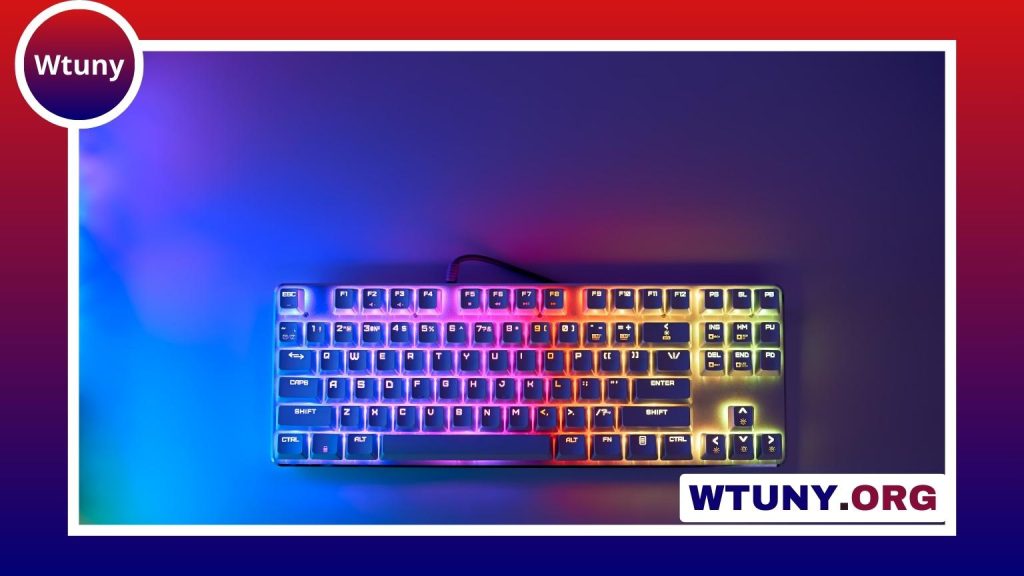
A gamepad controller remains one of the most versatile ways to play games. Although a keyboard and mouse are often preferred for precision-focused PC titles, a controller can provide smoother movement, more comfortable ergonomics, and a control layout that suits many genres naturally. The best choice depends less on which device is universally “better” and more on the games you play, the type of control they require, and how you prefer to sit and play.
Why use a gamepad controller?
Unlike a keyboard, which generally provides on-or-off directional commands, a gamepad offers analog input through its thumbsticks and triggers. Small changes in pressure or stick position can produce gradual movement, making the controller particularly useful for steering, walking, aiming a camera, or controlling acceleration.
The compact layout also allows both hands to remain on the device. This can feel more natural in games built around movement and camera control, while the shaped grips may be more comfortable than keeping your hands over a keyboard for extended periods. A controller is also well suited to relaxed play from a sofa or other position where using a desk-mounted keyboard is inconvenient.
Gamepad versus gaming keyboard
A gaming keyboard offers a large number of directly accessible keys, which is valuable when a game uses many commands, shortcuts, or abilities. Combined with a mouse, it provides fast camera movement and precise pointing. These strengths make the keyboard-and-mouse combination a common choice for competitive shooters, strategy games, massively multiplayer games, and other titles with complex interfaces.
A gamepad joypad takes a different approach. Its buttons are fewer, but they are arranged for quick access without moving your hands away from the grips. Analog controls can also feel more intuitive in situations where gradual movement matters. Neither input method is ideal for every game, so checking the intended control scheme and considering your own comfort is more useful than treating one option as a universal replacement for the other.
Games that benefit from a gamepad
Some genres are especially well suited to a game pad:
- Racing games: Analog triggers and sticks can provide more controlled acceleration, braking, and steering than simple keyboard inputs.
- Platformers: Directional movement and carefully timed jumps often feel natural with a thumbstick or directional pad.
- Fighting games: A compact arrangement of buttons supports rapid combinations and repeated directional inputs.
- Third-person action games: Dual sticks make it easy to move a character while controlling the camera separately.
- Retro and emulated games: A controller can reproduce the familiar style of play associated with older console systems.
Many players also use a controller for sports, adventure, and action games, even when a keyboard is available. Personal preference is often the deciding factor.
Connectivity and control customization
Gamepads may connect by cable or wirelessly, depending on the model and the platform. A wired connection avoids the need to charge a battery and can simplify setup. Wireless options provide a tidier play area and more freedom to sit away from the desk. Before buying, confirm that the controller supports the computer or console you intend to use and that any required cable, receiver, or adapter is included.
Customization can improve the experience when a game’s default layout does not suit you. Depending on the controller and available software, you may be able to:
- Remap buttons to more convenient positions.
- Adjust thumbstick dead zones.
- Create separate profiles for different games.
- Assign keyboard commands to controller buttons.
These features are also useful in a hybrid setup, where a controller handles movement while the keyboard remains available for chat, menus, inventory management, or additional shortcuts.
What to look for when choosing a gamepad
Comfort and compatibility should come before decorative features. Compare the controller’s shape, weight, grip texture, and button placement. Stick layout is a particularly important preference: some designs place the thumbsticks asymmetrically, while others align them. Neither arrangement is automatically right for everyone, so the layout that feels familiar and comfortable is usually the better choice.
Also consider the features that affect everyday use:
- Battery life: Important for wireless play and long sessions.
- Latency and connection stability: Relevant when responsive input matters.
- Trigger and stick feel: Resistance and travel can affect control and comfort.
- Build quality: A durable construction is worthwhile for frequent use.
- Feedback features: Vibration, haptic effects, or trigger resistance may add immersion where supported.
Using a controller alongside a keyboard
A gamepad does not have to replace a gaming keyboard. Keeping both connected creates a flexible setup: use the keyboard and mouse for games that demand precision or many commands, then switch to the controller for movement-heavy, driving, or casual titles. Some games even benefit from combining the devices, with the controller used for character movement and the keyboard handling shortcuts.
The right gamepad is therefore the one that complements your library and playing habits. By considering genre, comfort, connectivity, and customization, you can choose an input device that makes games easier to control and more enjoyable to play.