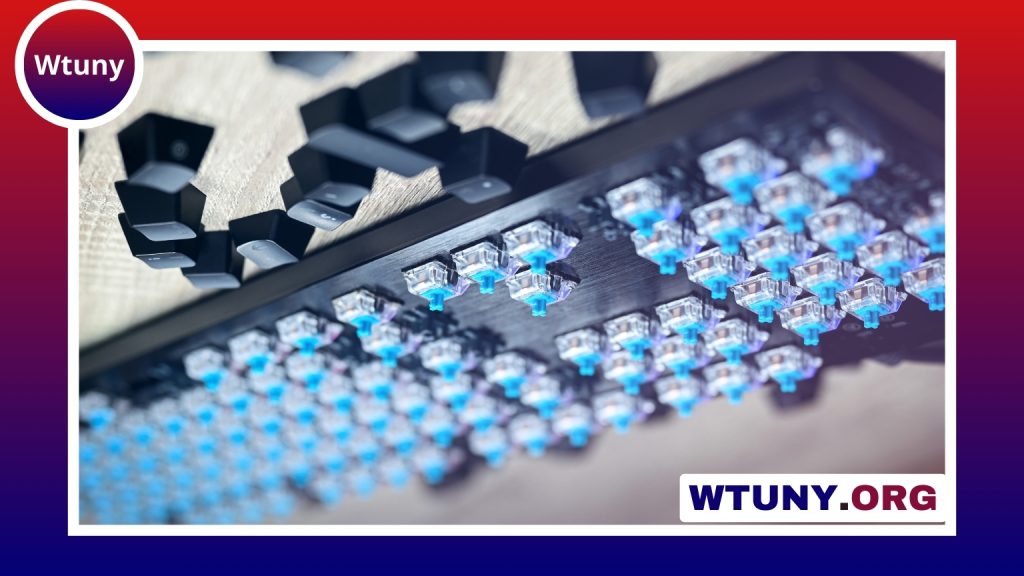
The move to browser-based device configuration has transformed how users interact with peripherals, and Wootility Web is at the forefront for programmable keyboards. As a web-driven companion for Wooting keyboards, Wootility Web provides a convenient way to customize actuation points, program macros, and tune analog behavior without installing native software. This article explains what Wootility Web offers, how it compares to the desktop utility, practical use cases for a Wootility keyboard, and tips to get the most from a web-based configuration workflow. Wootility Web simplifies firmware updates and exposes keyboard configuration options for customizing keymaps and lighting.
What Wootility Web is and how it differs from desktop utilities
Wootility Web is a browser-accessible version of the configuration tools traditionally available as a desktop application for Wooting keyboards. It leverages modern browser APIs to communicate directly with the keyboard hardware, enabling on-the-fly adjustments to key behavior, firmware maintenance, and profile management. The core advantage is cross-platform accessibility: anyone with a compatible browser can make changes whether they are on Windows, macOS, or Linux, without having to download and install separate software packages. That said, the desktop Wootility app may still provide deeper system integration in some workflows, so choosing between web and desktop often depends on whether you prioritize convenience or tight native control.
Core features: analog input, actuation, remapping, and macros
Central to what makes Wootility Web powerful is support for the analog nature of modern Wooting keyboards. Unlike traditional binary key switches, analog keys can detect depth and pressure, which allows for adjustable actuation points and variable input values. Through Wootility Web you can set precise actuation distances, create dead zones, and apply custom curves that modify how raw key travel translates into in-game or application input. These features are especially useful for games that support analog input as well as creative applications where gradual control is beneficial.
Alongside analog tuning, Wootility Web offers key remapping and macro programming. You can reassign keys, create layered profiles for different apps or games, and record multi-step macros that trigger sequences of keystrokes or modifier changes. Because these changes are stored in profiles, switching between a productivity layout and a gaming layout becomes immediate. The combination of remapping with analog actuation expands what a Wootility keyboard can do beyond standard keyboards, enabling nuanced control schemes tailored to individual workflows.
Practical use cases: gaming, music, accessibility, and productivity
For gamers, the biggest appeal of Wootility Web is fine-grained control over responsiveness. You can tune how quickly actions register, set multiple actuation stages for different abilities, and create per-game profiles to optimize performance without reconfiguring hardware manually. Racing games and flight simulators benefit from analog triggers and throttle-like control mapped to keyboard keys, while fast-paced shooters can use shallow actuation points for quick inputs.
Musicians and digital artists find analog-capable keyboards useful for expression. Software that supports variable input values can interpret keypress depth as velocity or modulation, enabling more expressive playing when using virtual instruments. Creatives can also map common editing functions to easily reachable keys or program macros that execute repetitive tasks in a single press, saving time and improving focus.
Accessibility is another important area where Wootility Web and a Wootility keyboard can shine. Adjustable actuation points and customizable curves let users tailor input sensitivity to their physical needs, reducing fatigue and increasing accuracy. Combined with profile switching and macro features, these keyboards can be set up to reduce complex sequences to single-key actions, which is particularly helpful for users with mobility limitations. Wootility Web supports easy lighting settings for Wooting keyboards, so follow its interface to customize backlight.
On the productivity side, professionals who use many keyboard shortcuts can design profiles that streamline workflows in IDEs, design suites, and office applications. Layered keys and application-specific profiles reduce context switching and accelerate common tasks, while the ability to quickly modify settings through a web interface makes iteration painless.
Technical considerations: WebHID, browser support, security, and firmware updates
Wootility Web depends on browser technologies such as WebHID to communicate with hardware. This makes modern Chromium-based browsers the best candidates for full functionality, while support in alternative browsers may vary. When you first connect a Wooting keyboard through the web interface, the browser prompts for permission to access the device; this security model ensures that only explicit user-approved pages can talk to the hardware. It’s important to be mindful of granting access only to trusted sites and to close browser tabs when not actively configuring the keyboard.
Firmware updates are an essential part of maintaining a Wootility keyboard. Wootility Web can facilitate firmware flashing in supported scenarios, but users should follow the official update instructions and back up profiles before applying major changes. Because firmware operations interact closely with the keyboard’s embedded controller, temporary disconnects or interruptions should be avoided during the process. If a desktop utility offers a recovery mode or more robust update tools, keep that option in mind for complex updates.
Tips for getting the most from Wootility Web and your keyboard setup
Start by creating a small number of profiles for your main workflows: a gaming profile, a productivity profile, and an accessibility profile are good defaults. Test one change at a time when tuning analog curves so you can isolate what adjustments improve responsiveness versus what introduces unwanted behavior. Take advantage of profile export and import features to keep backups or to share optimized setups with friends and communities.
When working across multiple devices, remember that browser-based configuration stores some data locally unless you use cloud options provided by the vendor. If you frequently switch machines, keep exported profile files accessible or use any offered synchronization service. Finally, keep your browser up to date, and use a reliable cable and USB port to minimize connectivity issues while configuring or updating firmware.
Wootility Web brings the deep customization potential of modern Wootity keyboards into the browser era. By combining analog input tuning, flexible remapping, and macro programming with cross-platform access, it makes advanced keyboard personalization more approachable and portable than ever. Whether your priorities are gaming performance, creative expression, accessibility, or productivity, a Wootility keyboard paired with Wootility Web can be tailored to fit a wide range of needs.