
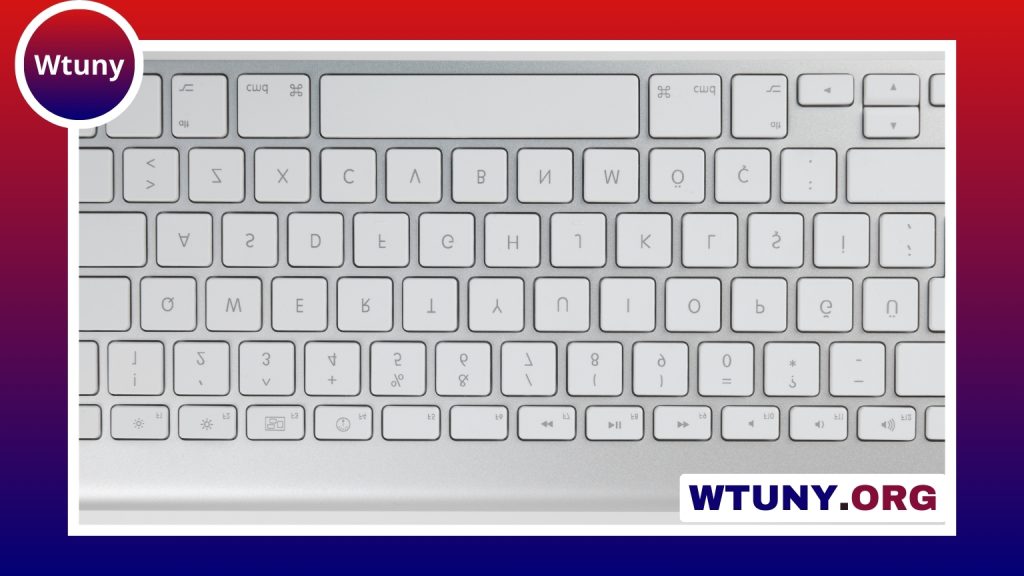
A gaming keyboard should suit the way you play, work and use your desk. The right choice depends on more than RGB lighting or a product label: switch feel, layout, connectivity, noise, comfort and programmable features all affect the experience. Some players prefer the precise feedback of a mechanical keyboard, while others value the softer, quieter action of a membrane model. Explore how gaming keyboard performance depends on mechanical switch types to optimize responsiveness and durability.
Start with the switch type
Switches determine how each key feels and how much sound it produces. Mechanical keyboards use individual switches beneath the keycaps, while membrane keyboards use rubber domes. Neither design is automatically best; the better option depends on your priorities.
- Linear mechanical switches: Provide a smooth keystroke without a pronounced bump. They may appeal to players who want consistent key presses.
- Tactile mechanical switches: Offer a noticeable bump during actuation, giving feedback without necessarily producing a loud click.
- Clicky mechanical switches: Produce both tactile feedback and a distinct clicking sound. They can be satisfying for typing, but may be unsuitable in shared or quiet spaces.
- Membrane switches: Usually provide a softer, quieter feel and are often found on more affordable keyboards.
A mechanical keyboard can be a good fit if you care about distinct feedback, switch choice and a more substantial typing experience. A membrane keyboard may be more practical for living-room gaming, office use or anyone who prefers lower noise and a softer key press.
Choose a layout that fits your desk
Keyboard size affects mouse space, portability and access to dedicated keys. A full-size keyboard includes the function row, arrow keys and a numeric keypad. The number pad is useful for spreadsheets, number entry and some MMO or productivity shortcuts, but it takes up valuable desk space.
A tenkeyless keyboard removes the numeric keypad while retaining the main navigation and function keys. This leaves more room for the mouse and can make the keyboard easier to carry. Compact and 90 percent layouts reduce the footprint further, although the exact arrangement varies between manufacturers. Check the key placement carefully if you rely on dedicated navigation, media or macro keys.
Consider macros and extra controls
Programmable keys can assign shortcuts or repetitive actions to a single button. A gaming keyboard with macro keys may be useful for MMO abilities, streaming controls, creative software or frequently used desktop commands. Macro functionality is not essential for every player, however, and extra keys can make a keyboard larger or more expensive.
Dedicated media controls can also improve convenience. A keyboard with a volume knob or other volume control lets you adjust audio without leaving a game or reaching for separate software controls. Some premium models include a small display for media information, messages or other status details. These additions are useful when they match your routine, but they should not replace attention to the keyboard’s basic feel and layout.
Wired or wireless?
A wired USB keyboard offers a straightforward connection and does not require battery management. It is often the simplest choice for a permanent desktop setup. Wireless gaming keyboards reduce cable clutter and can be more convenient for flexible or shared setups. Explore macro key layouts to customize commands and improve control beyond a standard gaming keyboard.
Wireless models may connect through Bluetooth, a dedicated 2.4 GHz receiver or both. If gaming performance matters, look for a model that provides a low-latency wireless mode. Also check battery life, charging arrangements and whether the keyboard can be used while connected by cable. A wireless keyboard and mouse combination can create a tidy setup, but buying a combo is worthwhile only if both devices meet your requirements.
Evaluate build quality and keycaps
The chassis, keycaps and surface finish influence comfort and long-term use. PBT keycaps are often selected for their resistance to wear, while soft-touch coatings can provide a pleasant, cushioned texture. Light-colored finishes, including white keyboards, can suit minimalist desks but may make fingerprints and surface marks more noticeable.
For fast-paced games, look for dependable key rollover and anti-ghosting. These features help the keyboard register multiple simultaneous key presses accurately. They are especially relevant when you hold movement keys while pressing abilities, crouching, jumping or using other controls.
Decide whether lighting adds value
RGB and backlighting can improve visibility in a dim room and help coordinate a desk’s appearance. Lighting effects are largely a matter of preference, so avoid paying extra for elaborate illumination if you will keep it turned off. Some users may prefer synchronized lighting across a keyboard and mouse, while others want simple single-color backlighting or no lighting at all.
Match features to your use
- Competitive gaming: Consider a compact mechanical keyboard, a switch type you can control comfortably, dependable rollover and a connection suited to your setup.
- MMOs and productivity: A full-size layout and programmable macro keys may be more valuable than the smallest possible footprint.
- Streaming and media use: Dedicated volume controls, macros and optional display features can make frequent adjustments easier.
- Quiet rooms or shared spaces: A membrane keyboard or quieter tactile design may be more appropriate than a loud clicky model.
- Portable or flexible setups: A tenkeyless or wireless keyboard can reduce desk clutter and make relocation easier.
Set a sensible budget
Keyboard prices vary according to the switch design, construction, wireless hardware, lighting and programmable features. Entry-level membrane models are generally more affordable, while mechanical keyboards with premium switches, wireless connectivity or advanced controls cost more. Compare the features you will actually use rather than paying for a long list of extras.
The best gaming keyboard is the one that feels comfortable, fits your available space and supports your everyday tasks. Prioritise switch feel, layout and connection first, then consider lighting, macros, displays and other conveniences. Testing a keyboard in person, when possible, can be especially helpful because specifications cannot fully describe how a particular switch feels or sounds.






