
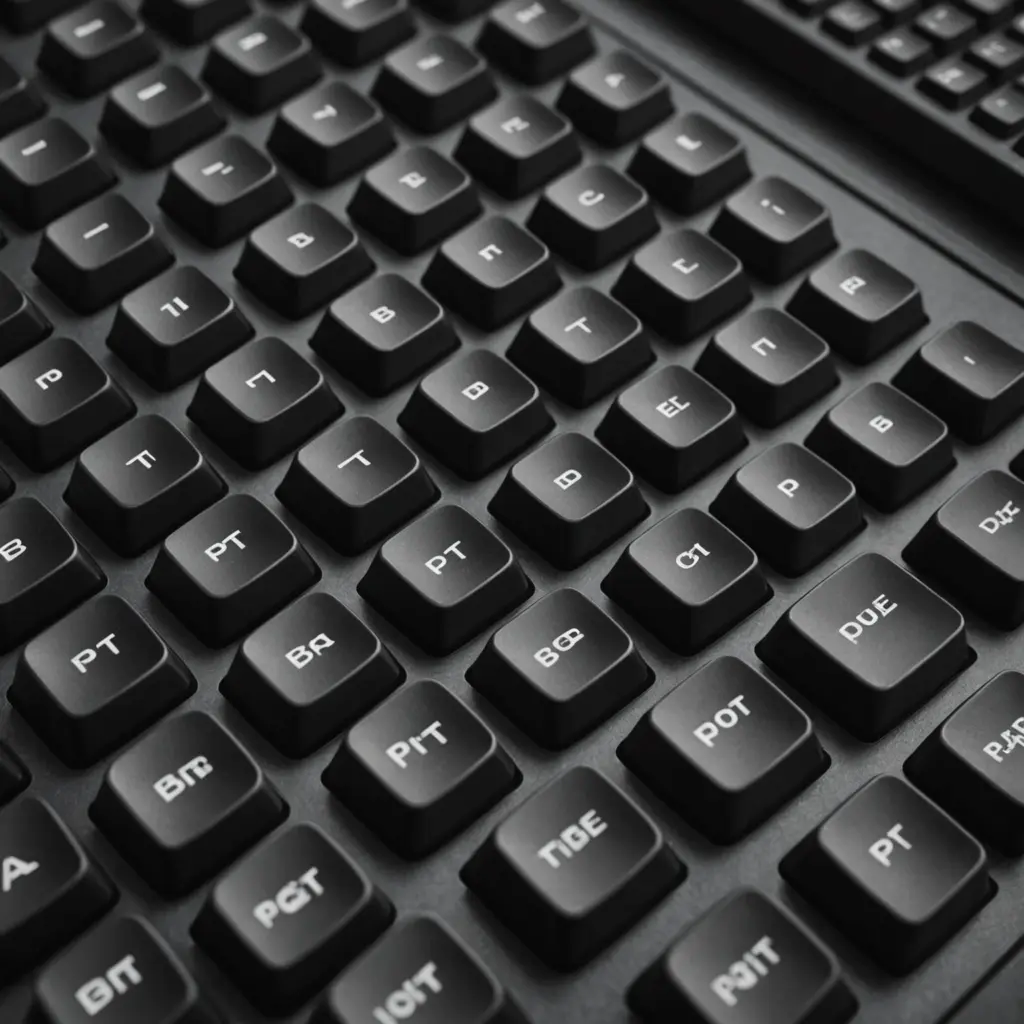
Double-shot PBT keycaps are a popular upgrade for mechanical keyboards because they combine durable legends with a textured, hard-wearing surface. They can improve the feel and appearance of a keyboard without replacing the switches or the entire board. For gamers, programmers, and everyday typists, the right set can also make a familiar keyboard feel more personal and comfortable. Find durable PBT keycap sets among keyboard accessories and parts to upgrade your mechanical typing experience.
What makes double-shot PBT keycaps different?
“Double-shot” describes how the keycaps are manufactured. Two separate pieces of plastic are molded together: one forms the keycap body and the other forms the legend, such as a letter, number, or symbol. Since the legend is part of the keycap rather than a printed coating on its surface, it is far less likely to wear away through regular use.
PBT, or polybutylene terephthalate, is the plastic used for the keycap material. It is known for a slightly textured, matte finish and good resistance to the oily shine that can develop on frequently used ABS keycaps. The result is a set that generally feels less slippery and retains its appearance during extended use.
Why choose double-shot PBT?
- Long-lasting legends: Molded legends are not dependent on surface ink or a thin printed layer, so frequently used keys can remain legible for a long time.
- Textured typing surface: PBT commonly provides a lightly rough, grippy feel that many users prefer for controlled typing and gaming.
- Resistance to shine: The material is less prone than ABS to developing a polished, oily appearance from finger contact.
- Different visual options: Double-shot construction supports contrasting colors, centered legends, and other designs that can change the character of a keyboard.
- Flexible upgrade path: Keycaps can usually be replaced independently of the switches, case, and PCB, making them a practical part of a custom build or a stock-board refresh.
Sound is also affected by keycap material and construction. Thicker PBT keycaps may produce a fuller or deeper sound than thin caps, although the final result depends on the switches, keyboard case, plate, stabilizers, and other components. Sound preference is subjective, so reviews or samples can be useful when that feature matters.
Compatibility comes first
Before buying a set, confirm that it includes the keys needed for your keyboard. Full-size, tenkeyless, 60%, and other compact layouts may require different key sizes and modifiers. A set intended for an ANSI layout may not include the keys required for an ISO layout, and some compact or unusual boards use nonstandard bottom rows or right-side modifiers.
Most mechanical keycap sets use MX-style stems, but this should not be assumed for every keyboard. Check the switch and stem design before ordering, particularly if the board uses low-profile, proprietary, or otherwise nonstandard components. Stabilized keys such as the spacebar, Enter, Shift, and Backspace also need suitable key sizes and mounting arrangements.
Profile, thickness, and backlighting
Keycap profile affects height, shape, and the angle of each row. Cherry and OEM profiles are common choices for a familiar, moderate-height layout, while taller profiles such as SA create a more pronounced sculpted appearance and a different typing feel. Switching profiles can change finger travel and wrist posture, so personal comfort is more important than choosing a profile based solely on appearance. For more distinctive keycap designs, explore profiles and color combinations that complement double-shot PBT sets.
Thickness is another consideration. Thicker caps often feel more substantial and can influence the keyboard’s sound, but they may also change the overall character of a board. If RGB or other backlighting is important, inspect the legend design carefully. Many double-shot PBT sets use opaque legends, while others are specifically designed with translucent legend sections for light transmission. “Double-shot” alone does not guarantee shine-through compatibility.
Installation without damaging the board
Remove existing caps with a keycap puller rather than prying them off with sharp tools. Pull upward with controlled force and take extra care around stabilized keys. If a cap resists, gently wiggle it while maintaining an upward motion instead of twisting the switch or stabilizer.
To install the new set, align the cap’s stem with the switch stem and press evenly until it is seated. Stabilized keys should be checked from both sides to ensure that the cap engages correctly with the stabilizer components. Avoid forcing a keycap if it does not fit; the issue may be an incorrect size, orientation, or compatibility problem.
Cleaning and maintenance
For routine cleaning, remove the keycaps and wash them in warm water with a small amount of mild soap. Rinse thoroughly and allow every cap to dry completely before reinstalling it. Moisture left inside a keycap can reach the switch when the cap is replaced.
Avoid harsh solvents, abrasive cleaners, and excessive heat. These can affect the finish, color, fit, or printed and molded details. With a compatible layout and sensible care, double-shot PBT keycaps offer a durable way to refresh a mechanical keyboard while preserving clear legends and a consistent typing surface.






