
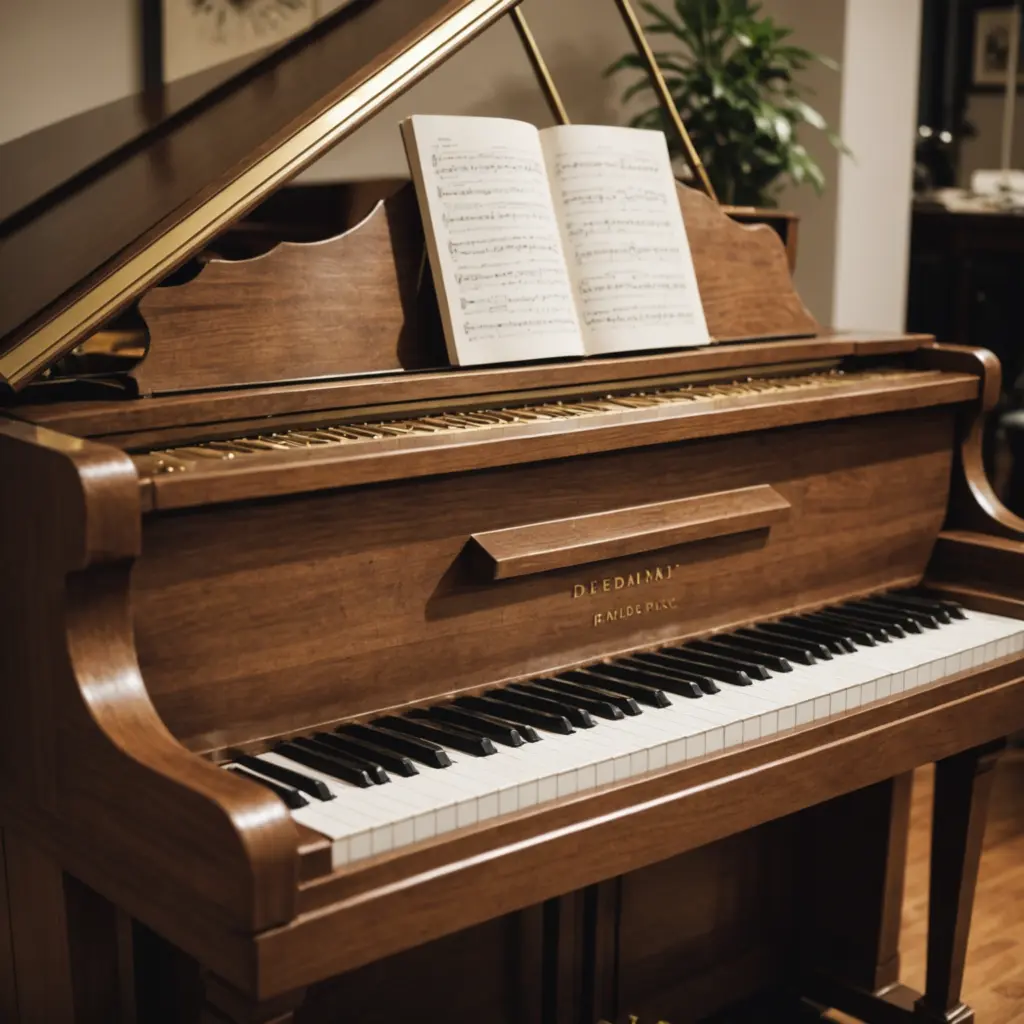
A used digital piano can offer a more realistic playing experience than a basic keyboard while keeping the cost within reach. It may suit a student who needs an 88-key weighted instrument, a home musician working in a small room, a teacher furnishing a practice space, or a performer looking for a second instrument. If you buy a used digital piano, check this essential accessory list to complete your setup.
The best value comes from choosing condition and features carefully rather than buying solely on brand, appearance, or price. Before committing, test the piano thoroughly and budget for any essential accessories the previous owner did not include.
Why buy a used digital piano?
Pre-owned instruments can make higher-level features more affordable, including weighted hammer action, stronger internal speakers, multiple sounds, split and layer functions, and MIDI connectivity. Buying used also gives you the opportunity to assess the actual key feel, pedal response, and speaker sound in person.
For learners, a full 88-key weighted keyboard can provide a more suitable foundation for developing touch and technique than a small, lightly sprung keyboard. For experienced players, a used model may be a practical way to add a second piano to a home, studio, or live setup.
What to inspect before buying
Set aside enough time for a complete test. A quick demonstration of a few keys is not enough to reveal intermittent faults or uneven wear.
Keyboard action and keys
- Play every key softly, firmly, and repeatedly. Listen for missed notes, double triggering, unusual noises, or inconsistent volume.
- Check that each key returns smoothly and does not stick, wobble, or feel noticeably different from its neighbours.
- Test the entire range, including the highest and lowest notes, where problems can be easy to overlook.
- Pay attention to whether the action feels appropriate for your playing. A mechanism that is technically functional may still be too heavy, light, noisy, or uneven for your needs.
Pedals, controls, and electronics
Connect the sustain pedal and confirm that it responds consistently. If the instrument supports soft or sostenuto pedals, test those as well. Power the piano on and try its main voices, volume controls, buttons, display, headphone output, and any split or layer functions you expect to use.
Listen through both the internal speakers and headphones if possible. Buzzing, crackling, distortion, or a speaker that is significantly quieter than the other may indicate a problem. Inspect the power supply and cables for damage, and verify MIDI, USB, or audio connections if you plan to use the piano with recording equipment or other instruments.
Physical condition and history
Look for cracks, loose panels, damaged sockets, missing screws, discolouration, and signs of liquid exposure. Cosmetic marks are not necessarily serious, but damage near the keys, circuit areas, or connections deserves closer attention. If you're refurbishing a used digital piano, consider a wooden keycap upgrade for improved feel and aesthetics.
Ask how the instrument was used and stored. A piano kept in a stable home environment may have had a different history from one transported frequently for performances. If available, service records, the original manual, and the correct power adapter can make ownership easier.
Accessories worth adding
Accessories should solve a real need rather than simply increase the size of the purchase. Prioritise the items that affect safety, comfort, and playability.
- Stable stand: Choose one that supports the piano securely and matches its width and weight. A wobbling stand can make practice uncomfortable and place unnecessary strain on the instrument.
- Sustain pedal: A compatible pedal is essential for piano playing. If the model supports a three-pedal unit, soft and sostenuto functions can add useful control for repertoire that requires them.
- Bench: A firm bench at a suitable height helps maintain a comfortable playing position during longer sessions.
- Headphones: These allow quiet practice and can make it easier to hear detail in the piano sound. Closed-back headphones can provide useful isolation.
- Cover: A suitable keyboard cover helps reduce dust on the keys and controls when the instrument is not being played.
- Recording connections: A USB or MIDI cable may be enough for computer-based MIDI work, while an audio interface can be useful when recording the piano’s audio output.
- Amplification: For rehearsals or performances, a suitable powered monitor or keyboard amplifier may provide more volume and coverage than the built-in speakers.
Setting up and caring for the piano
Place the instrument away from direct sunlight, heaters, air-conditioning outlets, and areas prone to spills. Keep the stand level, secure the pedals, and avoid routing cables where they can be pulled or become a trip hazard.
Clean the keys with a soft, slightly damp cloth and use very little moisture. Do not spray cleaner directly onto the keyboard or allow liquid to enter gaps around the keys and controls. Periodically check stands, benches, cables, and pedal connections for looseness or wear.
If a particular key, button, pedal, or output continues to malfunction, avoid treating the problem as a simple cleaning issue. Disconnect the instrument and seek help from a qualified technician, especially before opening the case. Firmware updates may be useful when the manufacturer provides them, but confirm that the update applies to the exact model.
Choose for your actual use
A home student may need little more than reliable weighted keys, a pedal, a stand, and headphones. A composer may place greater importance on MIDI or USB connections. A performer will also need dependable transport, a secure stand, and appropriate amplification. By matching the inspection process and accessory choices to your intended use, a used digital piano can become a dependable and economical part of your musical setup.






